ZenDoodle Graphics: A Crafter's Review of a Coloring Page Bundle
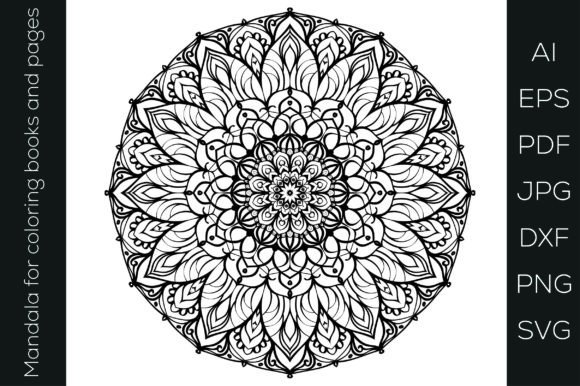
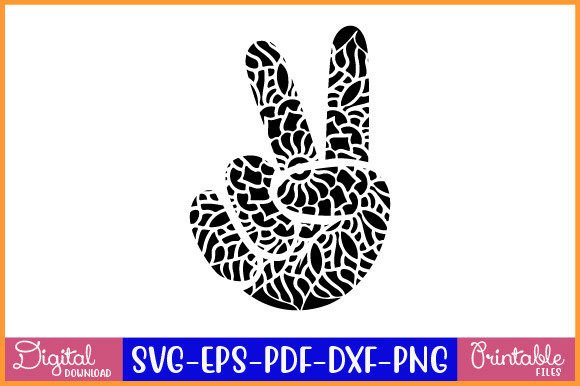
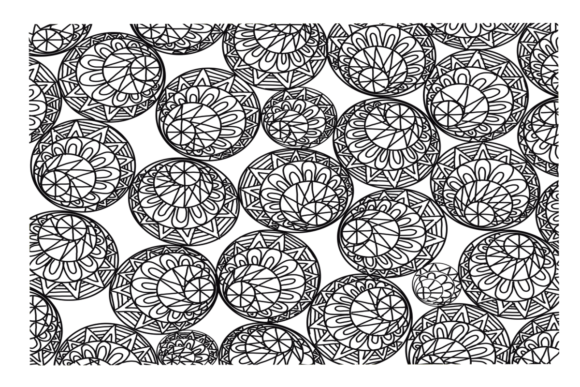
When preparing my latest seasonal collection for the summer craft fairs, I was hunting for design assets that could translate across multiple products: stickers, mugs, and maybe some printable wall art. The ZenDoodle Coloring Page Bundle landed in my digital toolkit, and my first impression was immediate. This bundle evokes a calm, intricate, and slightly playful mood. It suggests a handmade style that’s decorative and thoughtful, leaning towards a premium, cozy aesthetic. I instantly pictured it attracting customers who appreciate detailed art for mindfulness, or parents looking for sophisticated yet fun decor for a child’s room. It’s not overly cute or festive; it’s elegant in its complexity.
Where This Doodle Bundle Shines in Real Crafting Work
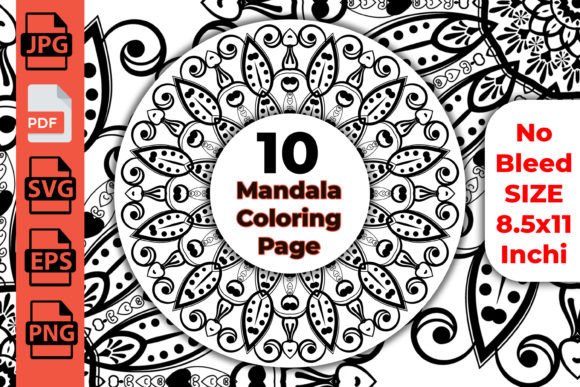
As a seller, versatility is king. This bundle’s offering of multiple formats—SVG, PNG, JPG, and PDF—is the practical starting point. Here’s where I see these 5 doodle art pages fitting seamlessly into a real workflow.
For Cricut and Silhouette projects, the SVG files are the gold standard. These detailed designs are perfect for larger cut files. I’d use them for:
- T-shirt design: A single, central doodle on a premium tee for a boutique gift.
- Tumbler wraps and mug design: The intricate patterns wrap beautifully around cylindrical surfaces, especially for sublimation.
- Sticker design: As larger, statement stickers (think 4-inch or more) for planners or laptop decor.
- Tote bags: A bold, all-over print for a canvas bag makes a great market staple.
The PNGs with transparency are a gift for digital product creators. They’re ready to drop onto:
- Printable wall art and planner pages for a quick, elegant digital product in my Etsy shop.
- Product mockups to visually sell the idea of a mug or shirt before I even make the physical sample.
- Greeting cards and gift tags as a decorative background layer behind a sentiment.
- Handmade packaging and thank-you cards to elevate my small business branding.
The PDF and high-res JPGs make these doodle art coloring pages excellent as they are—perfect for a quick printable design line for adults, or as a sophisticated element in scrapbooking or party decorations for a garden-themed event.
Crafting Notes: Where to Use This Asset Carefully
Honesty is crucial in a review. While the ZenDoodle Coloring Page Bundle is beautifully detailed, that detail requires some strategic application. These are not minimalist graphics.
You should proceed carefully with:
- Very small cutting details and thin lines: If you try to resize a doodle down to a 1-inch sticker, the vinyl might not cut cleanly, and webbing can occur.
- Crowded compositions on small items: A doodle meant for a large tote might feel overly busy on a standard gift tag.
- Layered vinyl projects: The interlocking lines could make layer alignment very challenging.
- Designs where customers need clean, readable shapes: These are artistic backgrounds, not primary focal points for messages.
My Pre-Craft Checklist for This Graphic Asset
Before I commit a design to a batch of fifty mugs for a customer order, I always run through a practical test. Here’s my specific list for this bundle.
- Test the SVG file in your cutting software. Open it and check if the lines are clean, connected, and without unnecessary nodes. Does it preview as a solid cut path?
- Preview PNG transparency. Place it over both white and dark backgrounds in your design software to see how the edges look.
- Confirm resolution for sublimation. The JPGs should be high-enough DPI for smooth printing on mugs and tumblers without pixelation.
- Test colors before printing. If you plan to color the doodles, do a small print test. How do the intricate lines hold ink?
- Place it on real mockups. Use a mockup generator to see the doodle on a shirt, mug, and wall art frame. Does it scale well? Does it feel balanced?
- Simplify the layout if needed. In your design program, you might delete some internal detail lines for a cleaner cut on a smaller product.
- Pair it with the right font. For a product listing, I’d pair these doodles with a clean sans-serif font for contrast. A script font might compete too much.
- Confirm commercial licensing. This is non-negotiable. Always verify that your purchase includes a commercial license for use in your handmade business products.
Building a Product Line Around These Doodle Graphics
From a business perspective, the ZenDoodle Coloring Page Bundle isn’t just a one-off clipart purchase. It’s a potential foundation for a cohesive mini-collection. Imagine a “Mindful Making” line in your Etsy shop or creative marketplace.
You could offer:
- A set of three printable wall art prints using the different doodles.
- A bundled Cricut project kit digital file for a tote bag, sticker, and gift tag.
- A physical craft fair product like sublimated mugs with matching thank-you cards bearing a smaller version of the doodle.
- Seasonal craft bundles by coloring the doodles in autumn hues or spring pastels for themed gift products.
The key is viewing these graphics as flexible design assets. They can be backgrounds, focal points, or decorative accents. They lend a hand-drawn, artistic credibility to your handmade business branding that generic stock art often lacks.
In conclusion, the ZenDoodle Coloring Page Bundle is a strong, versatile set for crafters who work at a slightly larger scale or who value detailed artistry. It supports a workflow from digital product to physical Cricut project seamlessly. Approach it with an eye for scale and a commitment to pre-testing, and it can become a reliable, elegant element in your product creation arsenal.